

Full Bone Hierarchy
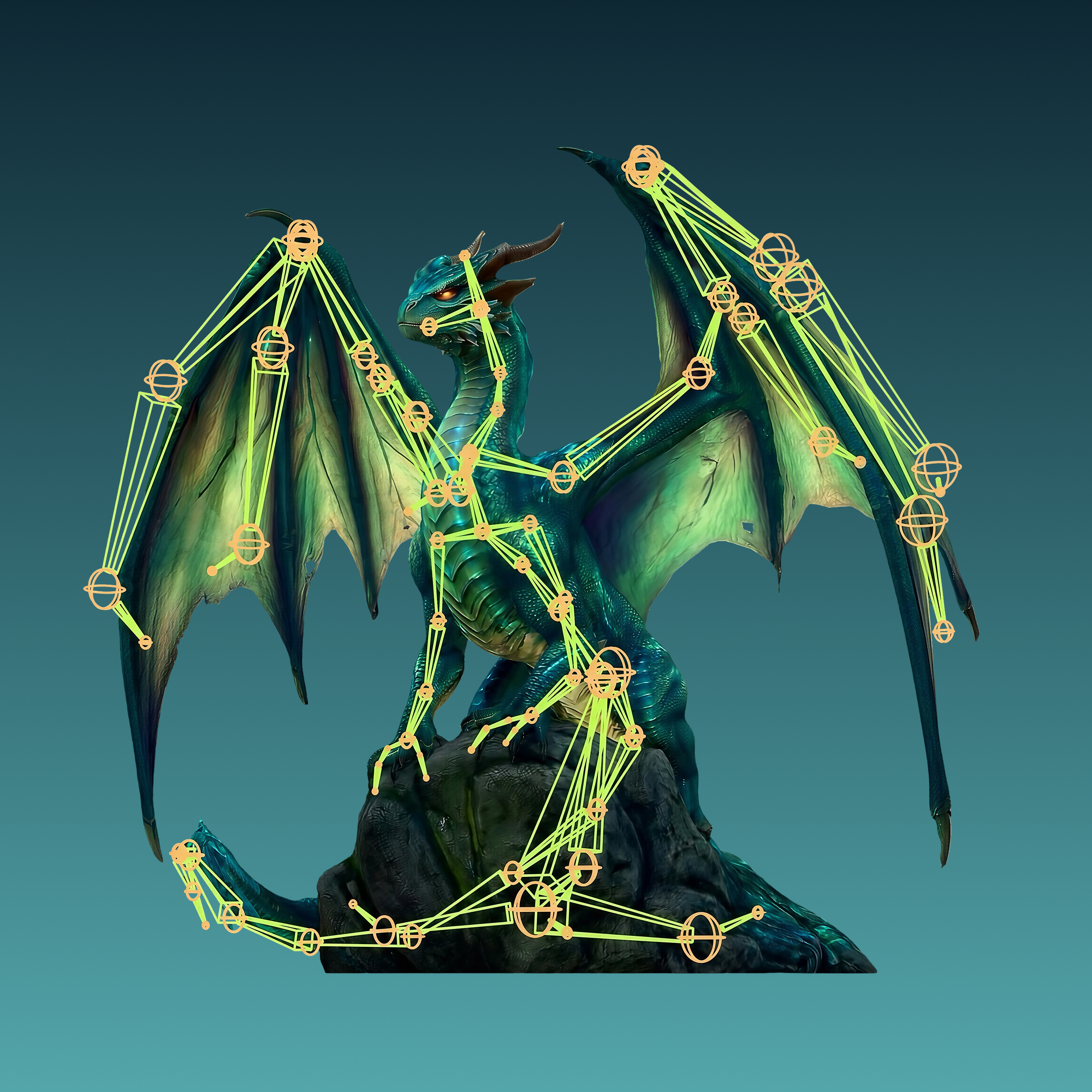
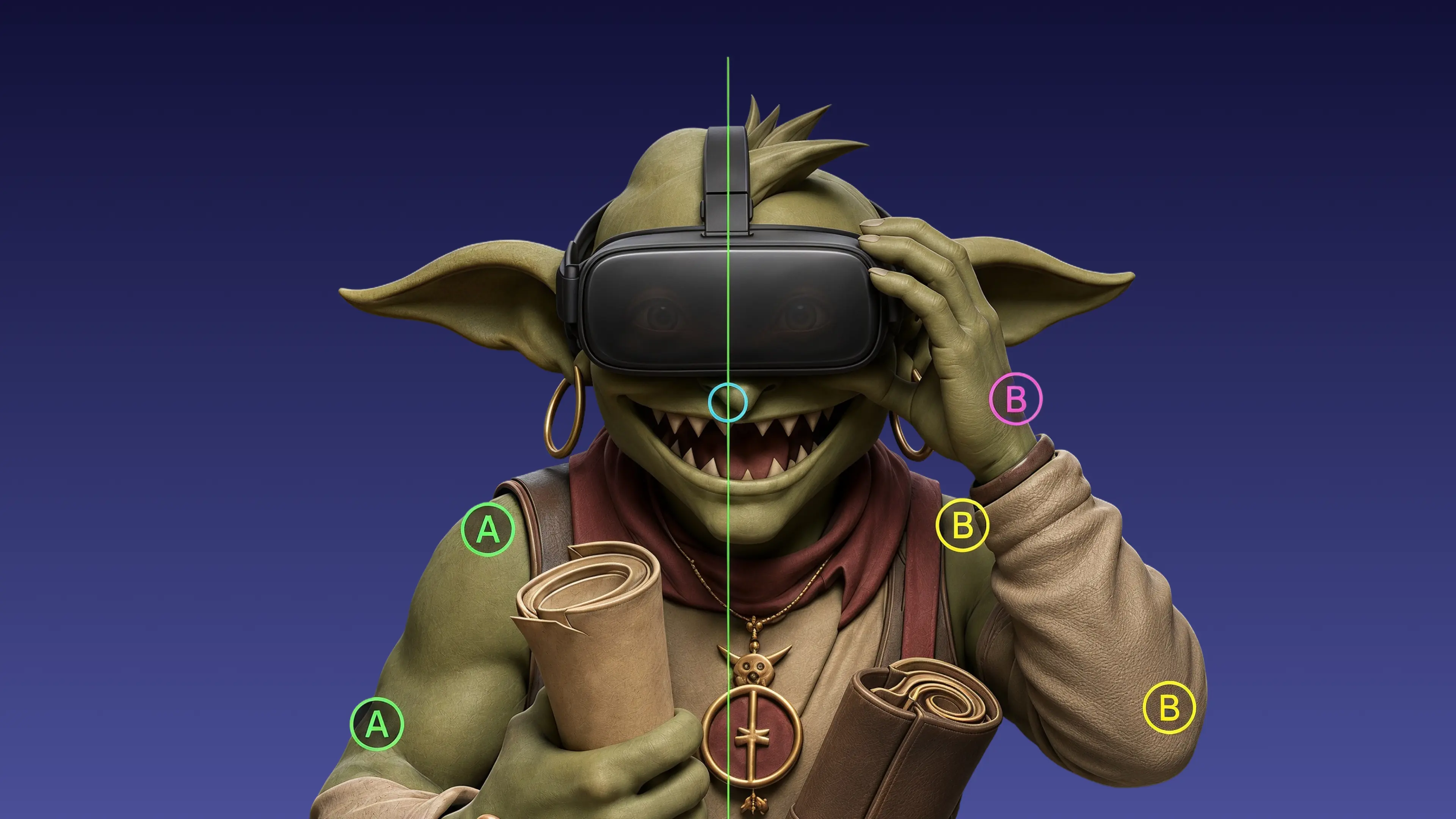
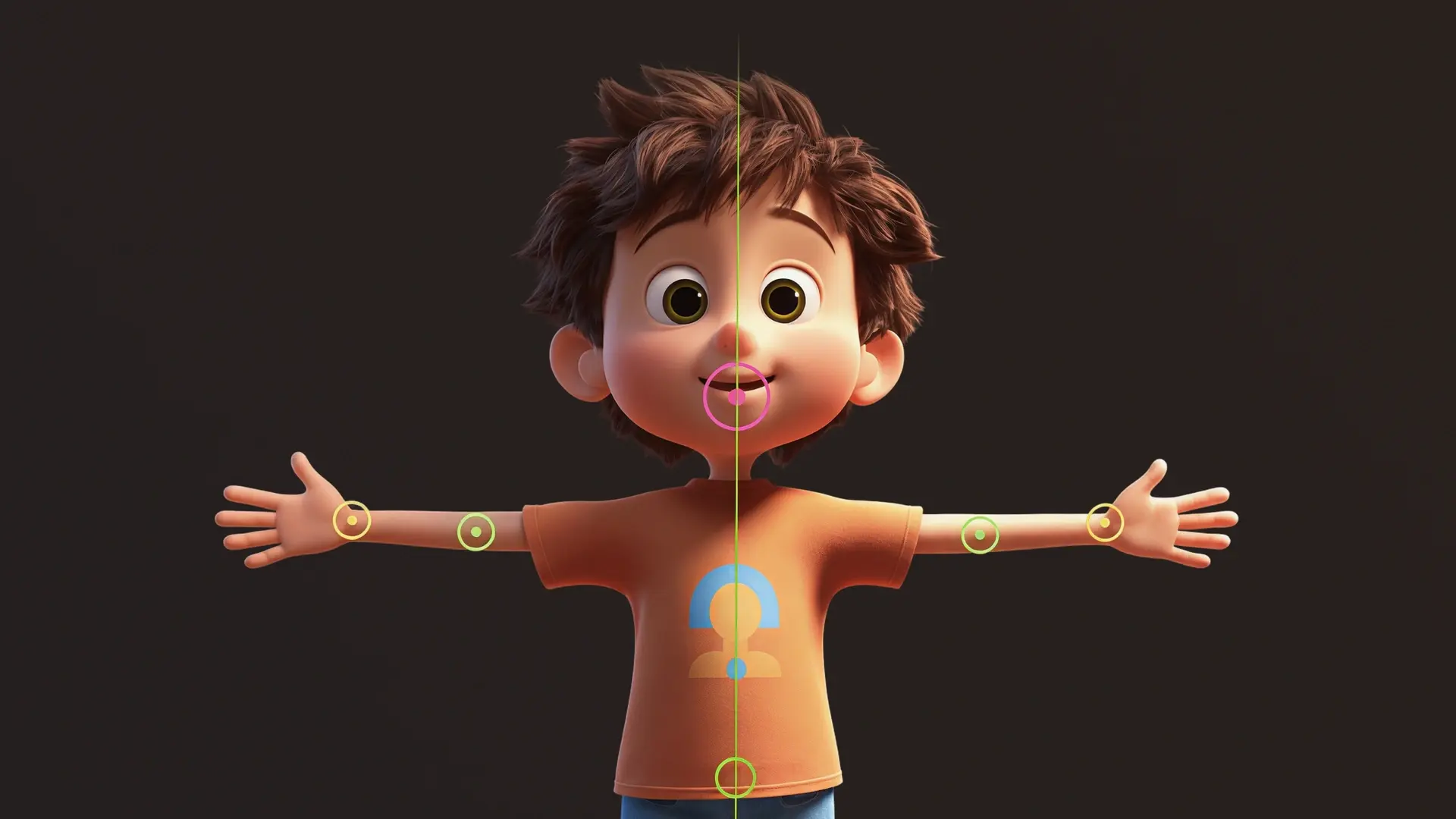
Every rig ships with a clean, logically structured skeleton. Joint chains follow industry conventions, so the hierarchy reads correctly in any engine or DCC tool.
AI Rigging
Meshy's AI auto rigging tool builds the full skeleton and skinning weights for any 3D character — online, in under 30 seconds. Free to start with 100 credits every month, no credit card, nothing to install.
AI rigging is the automated process of generating a bone hierarchy and skinning weights for a static 3D model so it can be animated. Meshy runs both stages in your browser, typically in under 30 seconds.

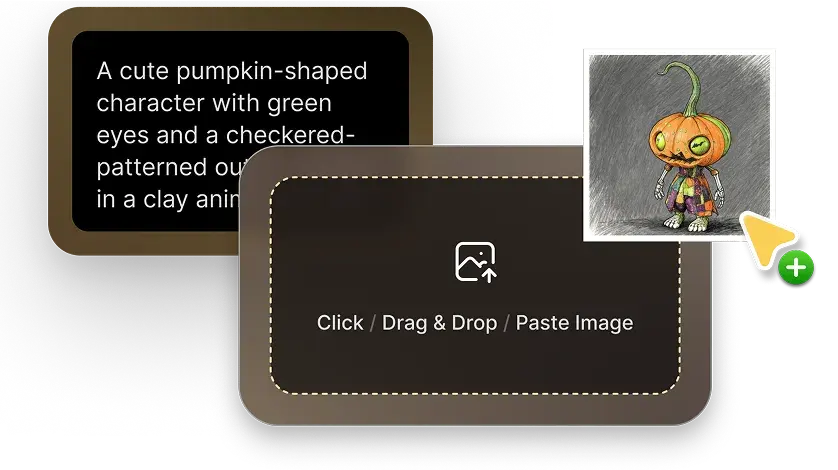
Start with your own character (FBX, OBJ, GLB), or generate one with Image to 3D or Text to 3D and rig it directly — no exports or re-imports. For the most accurate rig, generate the character in a clean stance with Custom Pose.

Meshy detects the body plan — humanoid, quadruped, or smart-rig — builds the full bone hierarchy, and computes smooth skinning weights in under 30 seconds. Check the skeleton with the bone overlay before you commit.
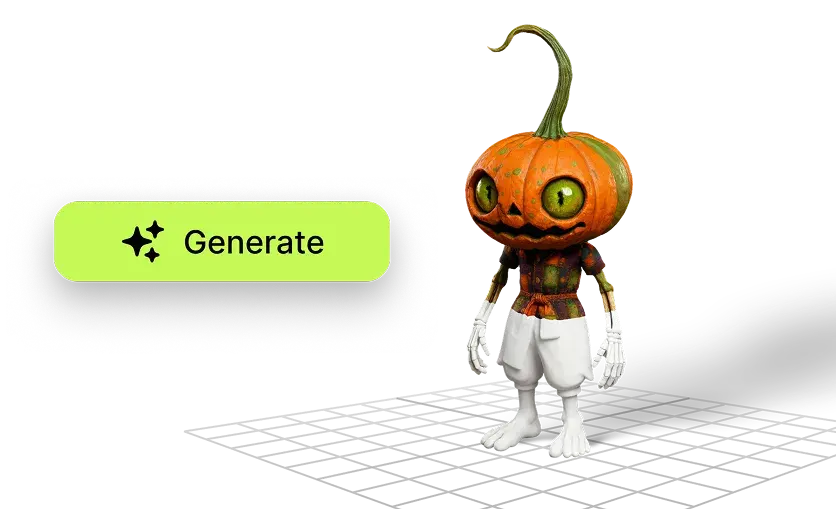

Export your rigged 3D model as FBX or GLB with bones and weights intact, ready for Unity, Unreal Engine, Blender, and Godot. Or apply any of 600+ animation presets in the same panel.
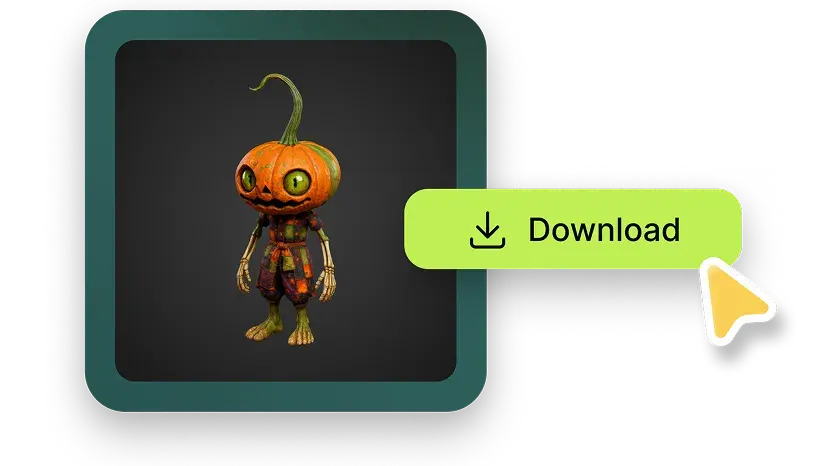
Every rig ships with a clean, logically structured skeleton. Joint chains follow industry conventions, so the hierarchy reads correctly in any engine or DCC tool.
Smooth, deformation-ready skin weights, computed automatically — no more hours of manual weight painting per character.
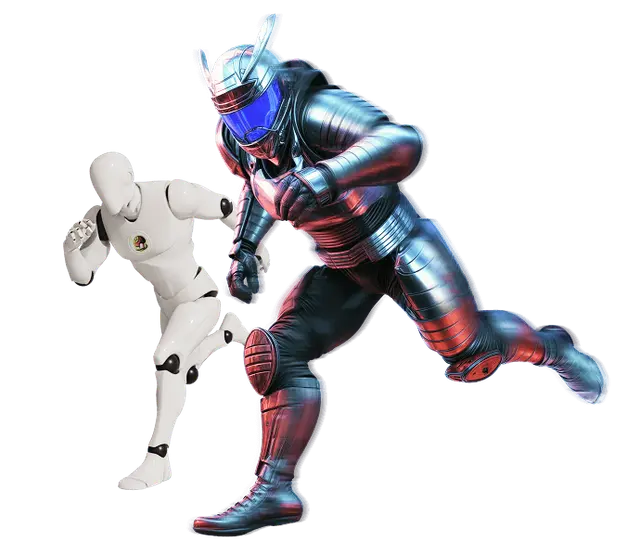
600+ game-ready animation presets — walking, attacking, idle poses, and more — ready to apply to any rigged character.
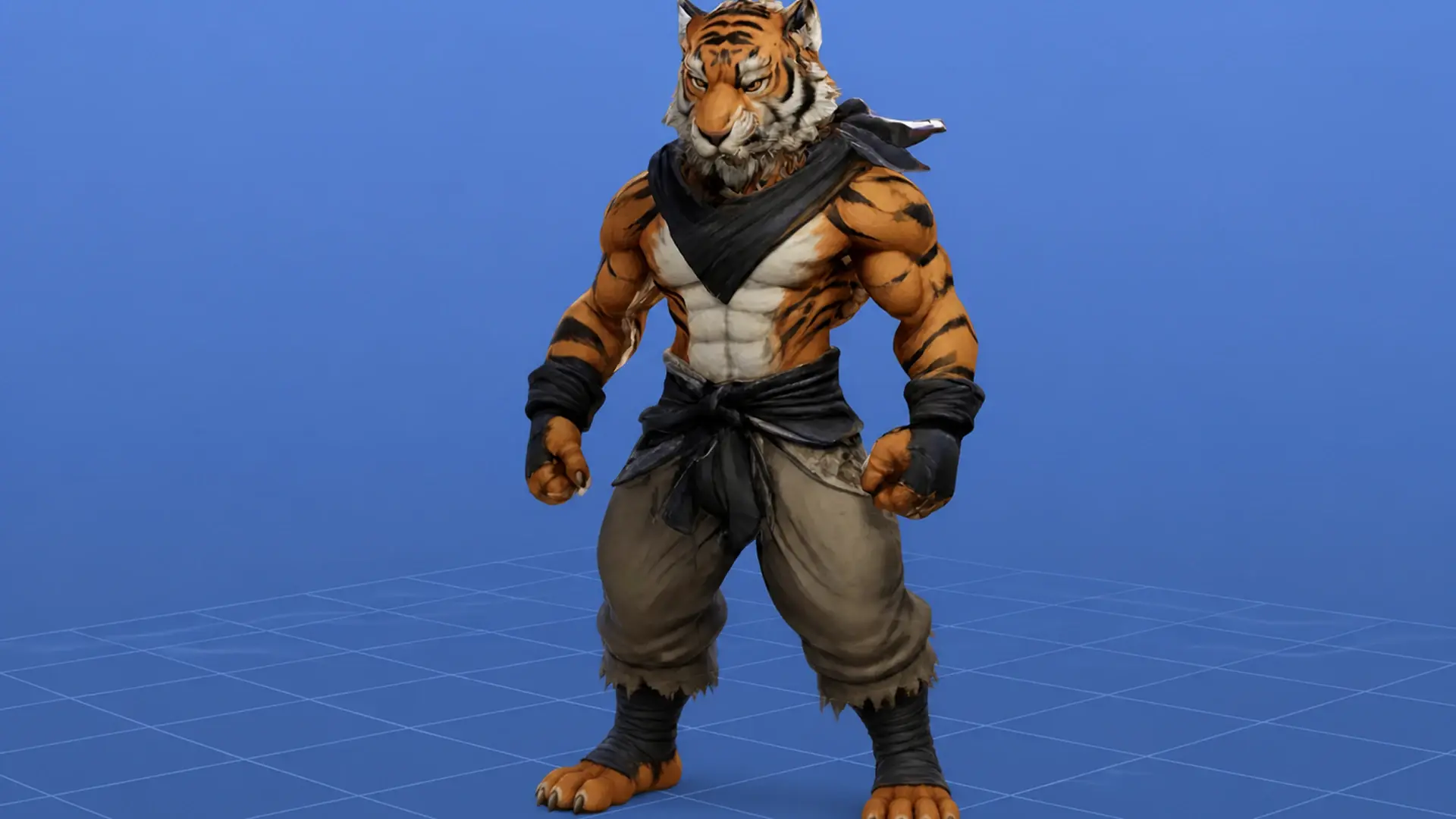
Meshy's 3D character rigging handles humanoids, quadrupeds, and fantasy creatures. The AI detects the skeleton type from your mesh — no template to pick.
Fine-tune bones and skinning weights right in the browser before you export. Prefer your own tools? The rig imports into Blender or Maya with the hierarchy and vertex groups intact.
Bone names follow Mixamo's conventions. Upload your rigged character to Mixamo and apply any motion clip directly — no renaming, no plugin.
One auto rigger covers every body plan. Skeleton rigging previews straight from the Meshy viewer: humanoid, quadruped, and smart-rig.
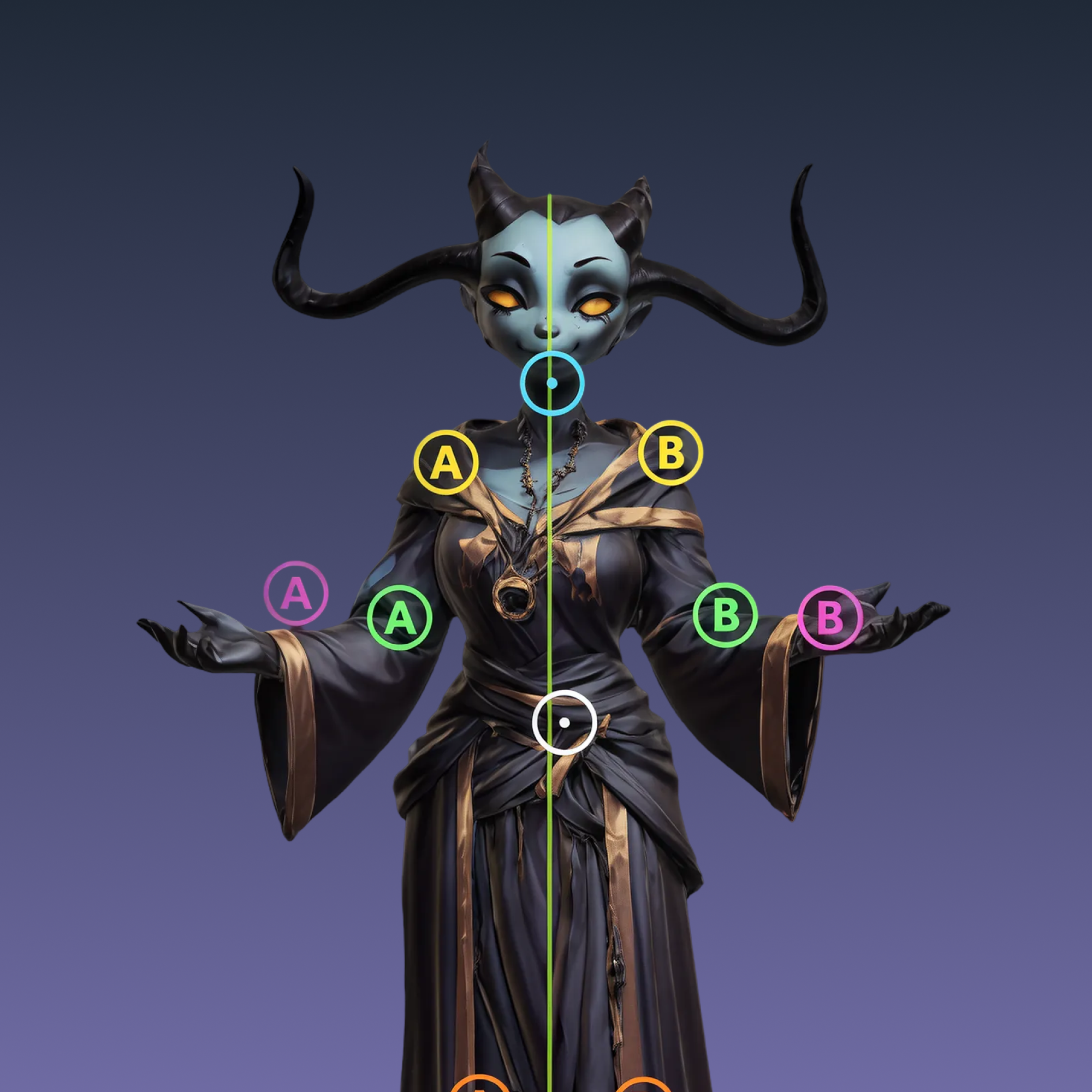
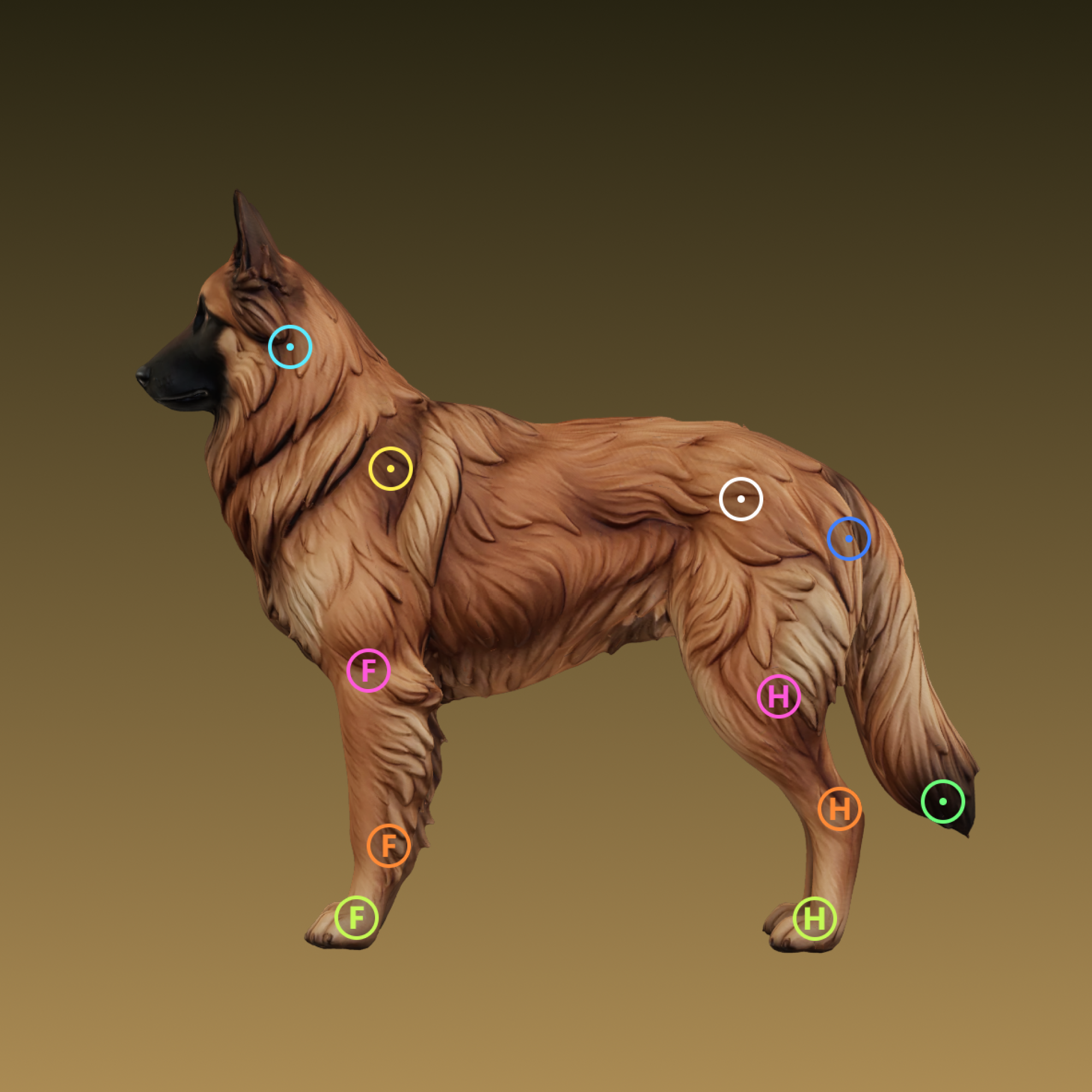
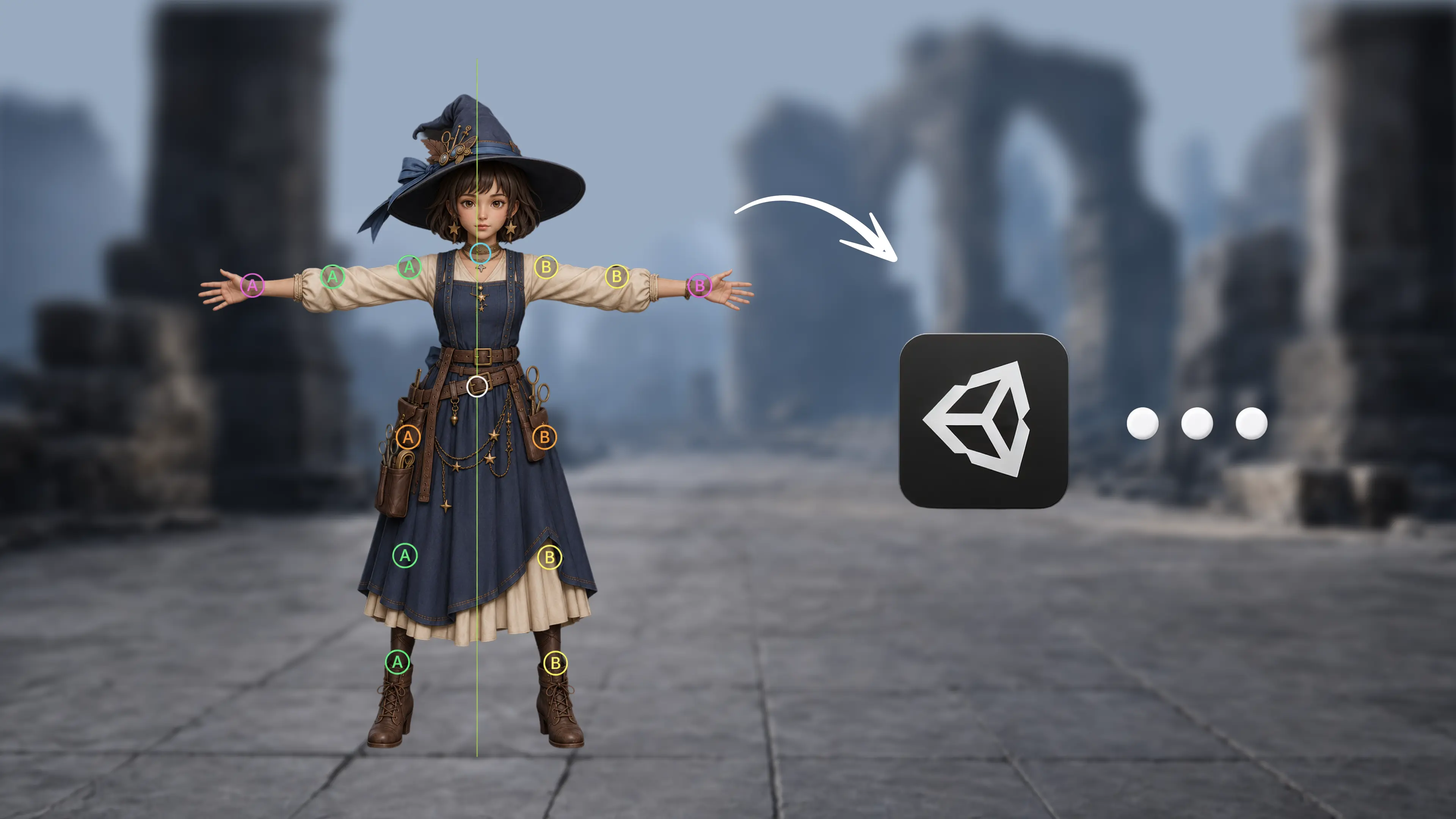
Rig NPCs and player characters in batches, export FBX, and drop them into Unity or Unreal with the skeleton intact.
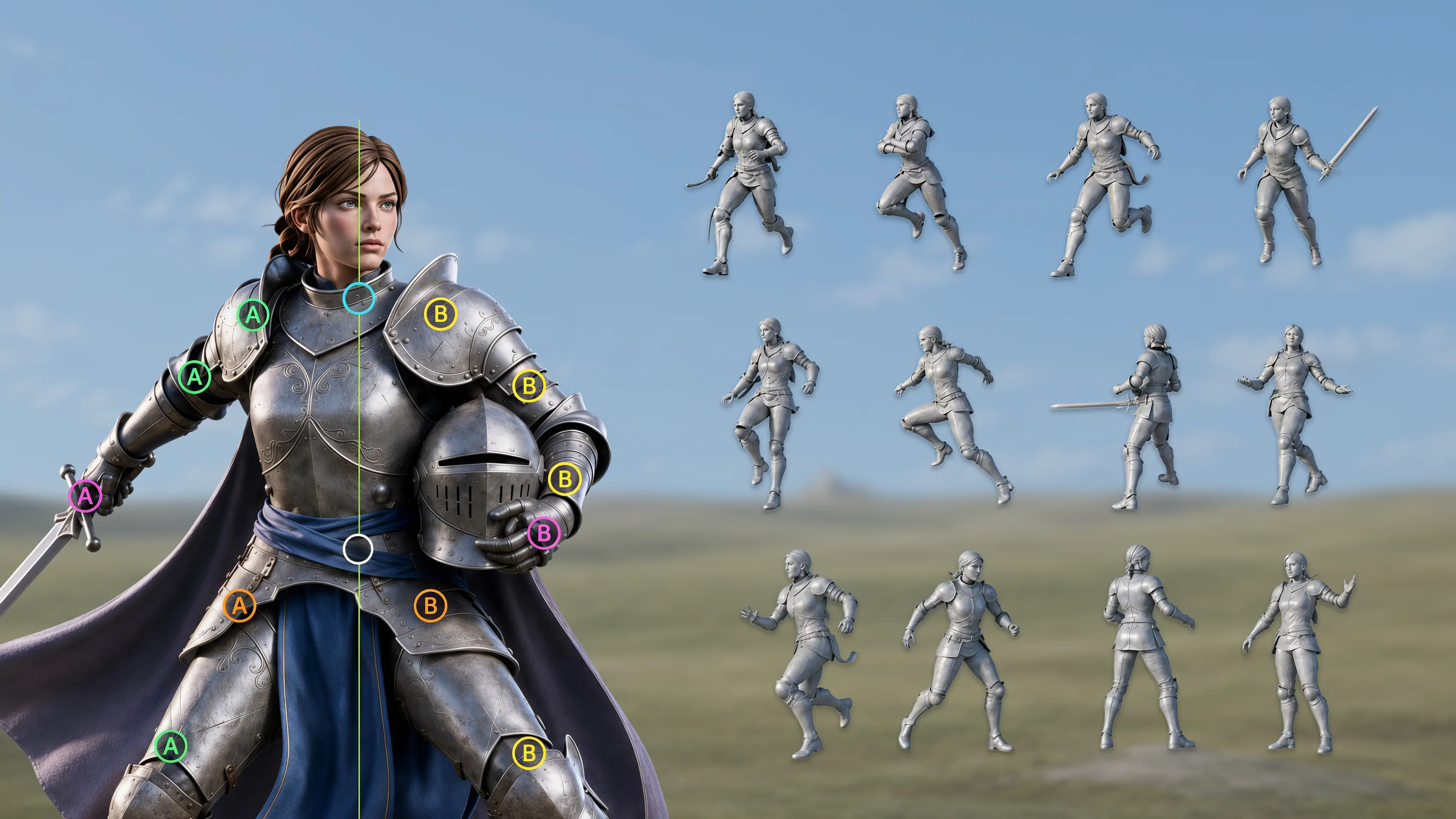
Rigged characters go straight into previz and indie animation work. Refine in Blender or Maya when a hero shot needs it.
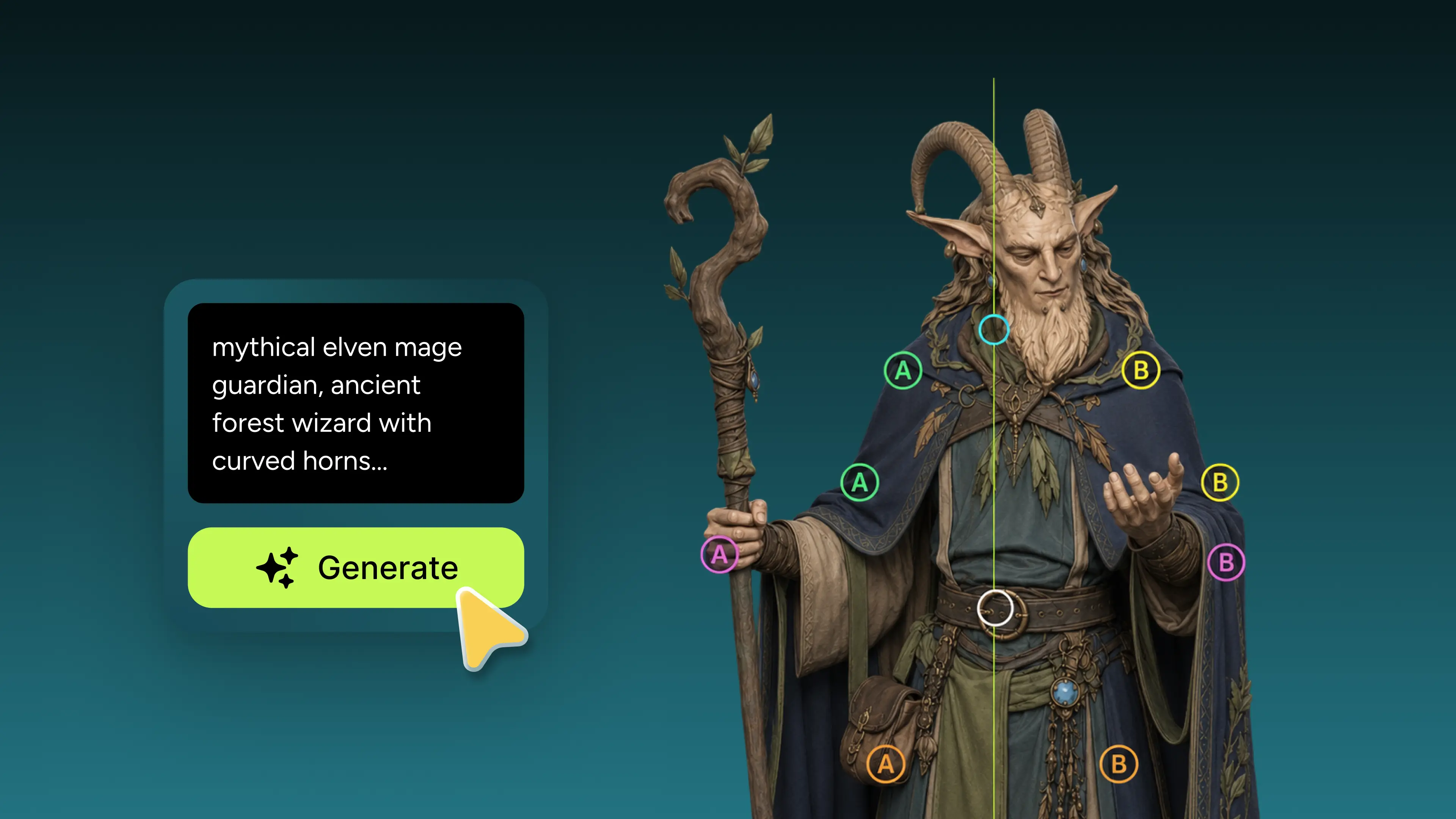
Generate a character with Text to 3D, auto-rig it, and have it moving the same day. No rigging pipeline to set up first.
GLB exports carry the full rig and animation data into Three.js, web viewers, and AR / VR apps.
Auto-rigged models export as FBX or GLB with the full bone hierarchy and skinning weights preserved.
Drive characters with the Animator Controller and Humanoid motion clips. Skeleton maps to Unity's Humanoid Avatar.
Import as a Skeletal Mesh, driven by Control Rig or Sequencer. Compatible with Unreal's retarget pipeline.
Bones import as a Blender Armature with vertex groups intact. Full armature editing and NLA animation.
Skeleton structure works with Maya's HumanIK solver and MotionBuilder. Full hierarchy and weights preserved in 3ds Max.
Native FBX / GLB import via ufbx in Godot 4.3+. Build Roblox games with AI-rigged characters via the Meshy Bridge app.
USD-compatible pipeline for NVIDIA Omniverse. Need a different format? Use the free 3D file converter.
 Comparisons
 Chelsey· Apr 21, 2026
 Workflows
 Camellia· Mar 18, 2025
 Comparisons
 Lou· Nov 28, 2024
 Game Development
 Lilian· Jun 27, 2024
Auto rigging in Meshy typically completes in under 30 seconds for a standard character. Complex characters with non-standard proportions may take a few minutes longer. End to end, the full character auto-rigging workflow — from a static mesh to a downloaded, fully rigged character — usually takes just a few minutes.
Yes. Meshy generates skeleton naming that matches Mixamo's bone conventions, so you can upload your rigged character to Mixamo and apply motion clips from its library directly. Inside Meshy you also get 600+ animation presets without leaving the page.
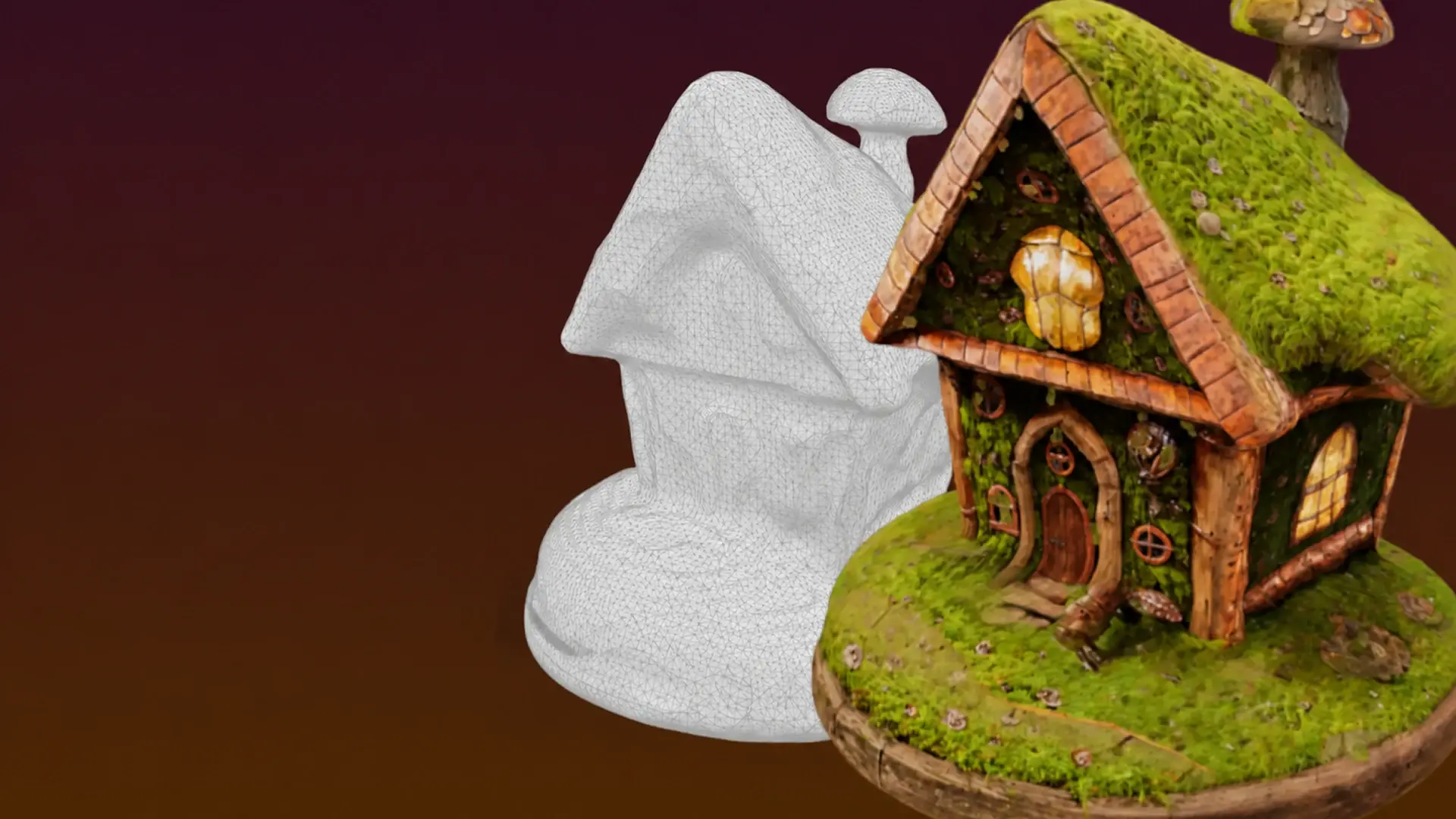
The fastest path is Meshy's Remesh, which rebuilds clean quad-dominant topology with edge loops at the joints and re-unwraps UVs at a controllable polycount. For specialist character work that needs precise loop control, export an OBJ to Blender and use an add-on like RetopoFlow against the high-poly source. After retopo, re-bake or re-run AI texturing on the new mesh, then auto-rig it in Meshy — the auto rigger doubles as a topology validator: if the rig succeeds, your mesh is animation-ready.
Meshy's Animate panel plays the rigged character live in the browser, with rotation, zoom, and a toggleable bone overlay, so you can check joint placement and deformation before downloading. Outside Meshy, the Babylon.js Sandbox and glTF Viewer both play GLB animations and show skeleton joints, and Blender gives you full rig inspection including weight paint mode.
Meshy's auto rigger builds the full body skeleton; detailed facial rigs with jaw, eye, and mouth controls are still a manual step in Blender or Maya. For the cleanest facial deformation later, generate the head with a clear facial reference (front or 3/4 view) so eye sockets and mouth corners are well-defined, and keep a neutral expression. The body hierarchy and vertex groups import intact, so refining the face rig in your DCC is straightforward.


Upload a model or generate one — Meshy builds the skeleton and skin weights automatically. Free to start, nothing to install.